Last Updated on August 29, 2026 by Mihir Mohan Madhu
Is There a Free AAC App. Yes. Here Are the Best No-Cost Options, Plus How to Choose One That Actually Helps.
Yes, there are free AAC apps. There are also excellent free AAC options that are not “apps,” like printable communication boards that you can use immediately. The best free choice depends on your child’s communication level, access needs, and how much customization you need. In this guide, I will walk you through realistic free AAC app options, what to watch out for with “free” products, and a simple step-by-step process to get started today without accidentally selecting an option that is too limited or difficult to use consistently.
Quick reality check. A “free AAC app” can mean three different things. It can mean a truly free speech-generating app. It can mean a free lite version with major limits. Or it can mean a free, high-quality low-tech AAC system you print and use on paper. All three can be valid starting points when the goal is language access, not perfection.
Why People Ask, “Is There a Free AAC App.”
If you are a parent, you might be asking because you want to help your child communicate now, but you do not want to gamble hundreds of dollars on an app that may not fit. If you are an SLP, you may be looking for a no-cost option for home carryover, for trialing vocabulary layouts, or for families who need something immediately while funding is pending.
This is also a very normal question because AAC outcomes depend heavily on consistent access across environments, not just what happens in therapy. Consistency across the day, and across communication partners, is a major theme in successful AAC implementation.
A gentle reminder that matters for both parents and SLPs.
AAC is not a last resort. AAC is a language access tool. A child does not have to “earn” AAC by failing other approaches first. Early, supportive access can reduce frustration and increase opportunities for real participation.
What Counts as “Free” in AAC Apps, and What That Usually Includes.
When families say “free AAC app,” they are often picturing a full-featured speech-generating device on an iPad with unlimited vocabulary, saved phrases, and natural sounding voices. Some free apps do exist, but many “free” AAC apps fall into one of these categories.
- Free trials. Full access for a limited number of days.
- Lite versions. A small vocabulary or limited number of buttons, sometimes enough for basic requests.
- Free, but ad-supported. This can be a deal breaker for many kids because ads interrupt communication and attention.
- Free, but data-hungry. Some apps collect data that families may not expect, especially when the user is a child.
If your AAC user is under 13, privacy considerations are not just “nice to think about.” They are central. Children’s privacy laws like COPPA can apply when an app collects personal information from children.
If you want to read the official guidance, you can start with the Federal Trade Commission’s materials for app developers and privacy best practices at this resource. https://www.ftc.gov/business-guidance/resources/mobile-health-app-developers-ftc-best-practices.
The Best Free AAC Option Might Be Low-Tech, and That Is Not “Less Than.”
It is easy to feel like you are not doing “real AAC” unless you have tablet with verbal output. That is not true. Low-tech AAC, like printed boards, books, and symbol charts, is a legitimate communication system. It can also be the best immediate solution when you need something today, when devices are not allowed at school yet, or when the child is still learning that communication changes outcomes.
Many successful AAC teams intentionally use a combination of high-tech and low-tech options. Low-tech AAC provides a backup during pool days, battery issues, outdoor play, or moments when an app glitches.
How to make low-tech AAC feel powerful.
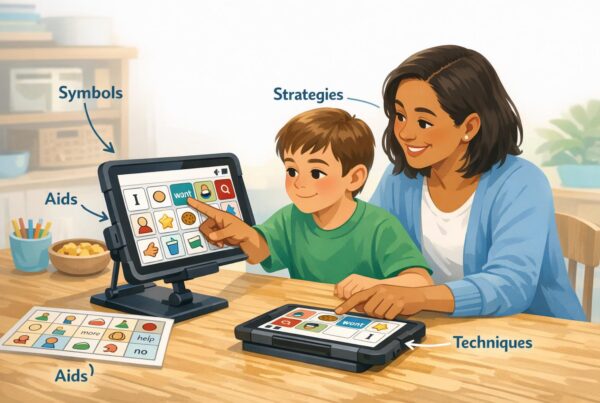
The fastest way to make any AAC system work better is not to demand the child use it. It is to model it. Aided Language Stimulation, also called AAC modeling, means the adult uses the child’s AAC system during real life. That can look like pressing “more” while offering more crackers, or pointing to “go” while pushing the swing.
So, What Free AAC Apps Are Actually Worth Trying.
Because app availability changes, and because “free” can shift to “paid” quickly, I recommend thinking in terms of a free AAC plan, not just a free AAC app. A strong free plan includes a low-tech communication board, plus one or two no-cost or trial app options for exploration, plus a consistent modeling routine.
Here are practical free routes that many SLPs and parents use when budgets are tight.
Option 1. Use a free printable core word board as your “starter AAC.”
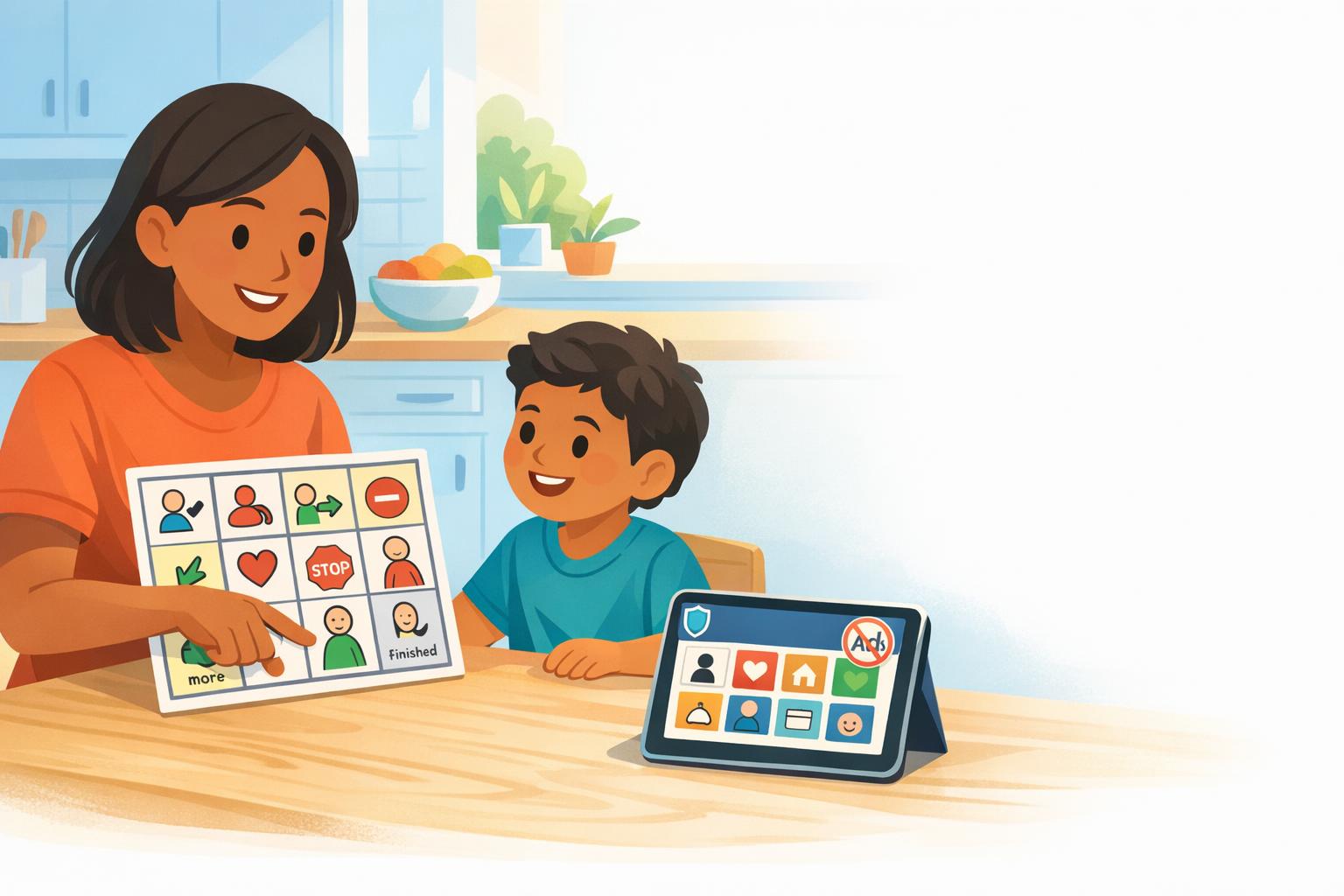
Core words are high-frequency words that work across activities, settings, and ages. Words like “go,” “stop,” “help,” “want,” and “more” give kids real power because they can use them everywhere.
A core board can be printed at home, placed on the fridge, taped to the table, or clipped to a backpack. The important part is access and repetition. Consistency beats intensity.
Option 2. Use a free or built-in text-to-speech as a bridge for some communicators.
For older children, teens, or adults who can type, a text-to-speech tool can function as a basic AAC option. It does not provide symbol language support, so it is not the right fit for every learner. However, it can be a meaningful bridge for literate users who need voice output quickly.
Option 3. Trial a robust paid app while you build low-tech supports.
Many well-known AAC apps are not free long-term, but many offer trial periods through specific programs, device management systems, or school teams. Even when a trial is time-limited, you can use that time to learn what layout, vocabulary, and access method works best, then carry over those same concepts into low-tech boards at home.
This approach also fits well with the idea that AAC requires teamwork across environments, not isolated use in one setting.
How to Choose a Free AAC App or Tool That Your Child Will Not Abandon.
Device and app abandonment is common, and it is rarely because the child “did not like AAC.” It is often because the system was too complex, not personalized, not modeled, or not consistently available.
Here are the practical questions I would use before you invest time, even if the app is free.
- Can my child access it physically? Consider button size, scanning, switch access, or eye gaze compatibility.
- Can it grow? A tiny vocabulary might work for a short time, but you want a path to comments, questions, and self-advocacy as the child’s vocabulary grows.
- Does it support core words? Core words support real language, not just requesting.
- Is it easy for adults to model? If parents and staff cannot find words quickly, modeling drops.
- Is privacy clear. If it is a kids app, look for transparent privacy practices and parental consent processes when relevant.
A note on privacy for SLPs and clinics.
If you are an SLP supporting families with AAC apps, privacy and ethics matter, especially when children’s data, voice recordings, or identifying information could be stored. This is part of building trust with families, and it is part of responsible service delivery.
ASHA’s practice portal is a helpful place to stay grounded in professional guidance. https://www.asha.org/slp/
A Simple 7-Day Starter Plan for Free AAC Support at Home.
If you are overwhelmed, this is where I would start. The goal is not perfect AAC use. The goal is repeated, low-pressure exposure that helps your child learn, “This is how I can be understood.”
Day 1. Choose 6 to 12 core words to focus on, like “more,” “help,” “go,” “stop,” “want,” and “finished.”
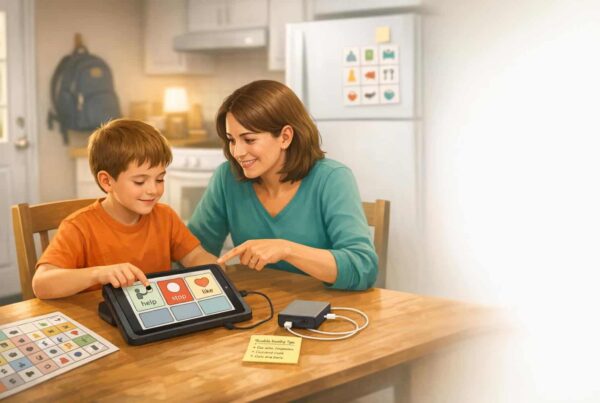
Day 2. Print or write a simple board and place it where communication happens most, like the kitchen table.
Day 3. Model two words during one routine, like snack or bath. Do not ask your child to perform.
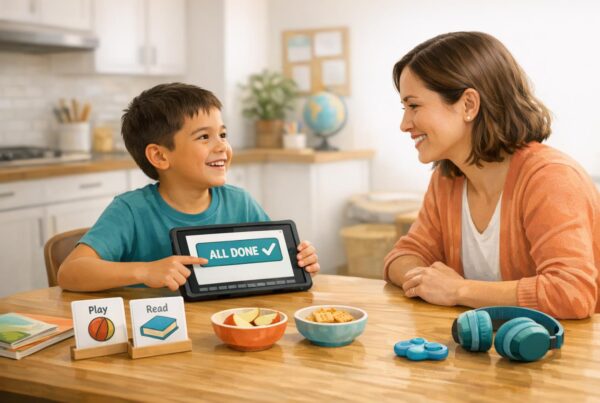
Day 4. Add one fun moment for AAC, like a game where you model “go” and “stop.” Keep it playful.
Day 5. Personalize one part of the board. Add a favorite toy, show, food, or family name.
Day 6. Use AAC during shared reading. Model “look,” “like,” “funny,” or “uh oh” while you read.
Day 7. Pick one small win to celebrate, like your child looking at the board, reaching for it, or using one word to protest. Small wins matter.
How to Use Free AAC Tools in School and Therapy Without Burning Out the Team.
AAC works best when everyone around the child understands that communication is not a test. It is participation. It is connection. When the environment is supportive, kids use AAC more.
During reading or story time, for example, AAC gives nonverbal learners a way to answer questions, predict, comment, and retell. It also helps bridge vocabulary learning by pairing symbols, print, and speech output in a consistent way.
One practical school-home routine that helps.
If a class is reading a book, share story-specific vocabulary boards with families before the week begins, then model those words during reading at school and at home. This kind of coordination supports generalization and reduces frustration for the learner.
Common Mistakes When Using a Free AAC App, and What to Do Instead.
Mistake 1. Only programming requests.
Requesting is important, and it is often the first function that develops. Still, communication is bigger than wants and needs. Build in words for comments, jokes, questions, opinions, and refusals. Core words support real conversation across contexts.
Mistake 2. Waiting for “readiness.”
If a child is having difficulty expressing themselves, that is the sign that they need access. Start small. Model without pressure. Progress often comes from making communication safe and available.
Mistake 3. Changing systems too fast.
It is normal to want the “perfect” app. Many families bounce from app to app, and kids lose the chance to build motor patterns and confidence. If you are using a free tool, aim for stability in the layout and daily modeling. Then adjust thoughtfully, not constantly.
What If We Start With a Free AAC App, and It Is Not Enough.
That is not failure. That is information. If a free AAC app is too limited, you can still keep communication moving while you pursue a more robust solution through school supports, insurance pathways, grants, or an AAC evaluation.
While you wait, keep your low-tech board consistent, keep modeling, and keep celebrating small wins. Those small wins build confidence and willingness to communicate, which is often the difference between long-term success and abandonment.
FAQs About Free AAC Apps.
What is the best free AAC app for autism?
The best free option is the one your child can access easily and that your family can model consistently every day. If you cannot find a truly free robust app, start with a free printable core word board and pair it with strong modeling across routines.
Are free AAC apps safe for kids?
Some are, and some are not. Review the privacy policy, check whether the app collects data, and be cautious with ad-supported products. Children’s privacy laws like COPPA can apply when apps collect personal information from users under 13.
Can I use AAC without an iPad or tablet?
Yes. Low-tech AAC boards and books are valid AAC systems. Many teams use both low-tech and high-tech so communication is always available, even when devices are not practical.
How do I get my child to use a free AAC app?
Focus less on “getting” them to use it, and more on modeling it yourself in meaningful moments. Start with one or two words, repeat them in daily routines, and avoid turning AAC into a performance demand.
Will AAC slow down speech?
This is a common fear, and it makes sense emotionally. The clinical consensus shared widely in AAC education is that AAC supports communication and language access. If you want an SLP-guided plan for your specific child, ask for an AAC evaluation and a modeling plan that works across home and school, since consistency across settings is strongly tied to success.
Final Thoughts. Free AAC Can Be a Strong Start When You Focus on Access and Consistency.
If you came here hoping for a single free AAC app name that solves everything, I want to validate how reasonable that wish is. Communication support should be easier to access. Still, you can make meaningful progress with free tools by doing three things well. Provide consistent access. Model without pressure. Build language beyond requesting using core words and personalized vocabulary.