Last Updated on August 29, 2026 by Mihir Mohan Madhu
The best AAC app is the one your child or client can access easily, will actually use all day, and can grow with over time. For many families and SLPs, that means choosing a robust, research-aligned system that supports core words, real conversation, and consistent modeling, not just requesting. In practice, some of the most commonly successful options include Proloquo2Go, TouchChat, Snap Core First, and LAMP Words for Life, but there is no single “perfect” app for every communicator.
In this post, I am going to walk you through how to answer the question, “What AAC app is best?” in a way that feels less overwhelming and a lot more practical. I will also share a simple decision process you can use with your SLP or AAC team, plus a few mistakes that can accidentally lead to device abandonment.
What do people really mean when they ask, “What AAC app is best?”
When parents ask this, they are usually asking something deeper, like these questions. They want to know which app will help their child communicate without constant frustration. They want to know which app schools will support. They want to know which app will still work when their child is older and their language gets more complex.
SLPs often mean something slightly different. They are thinking about motor planning, language organization, data, backups, and whether the family will be able to model consistently in real life. They also worry about the very real problem of mismatched tools, low engagement, and inconsistent use across environments.
So before we even talk about brand names, here is the most useful mindset shift. The “best” AAC app is not the one with the most buttons or the prettiest icons. The best app is the one that matches the communicator’s access, learning profile, and daily environments.
The short list of AAC apps families and SLPs ask about most often.
If you have been in AAC spaces for more than five minutes, you have seen these names come up again and again. They are popular for a reason. They are robust enough for language development, not just basic needs.
- Proloquo2Go.
- TouchChat.
- Snap Core First.
- LAMP Words for Life.
- GoTalk NOW.
You will notice I am not claiming one of these is “the winner.” because in AAC, fit matters more than hype. Even within one diagnosis, like autism, two different individuals can have totally different motor access, sensory needs, attention, and tolerance for navigation.
How to choose the best AAC app for your child or client.
Now let’s get into the good stuff. Here is the exact lens I use when I am helping someone narrow down AAC apps. I want you to think about access, language, functionality, buy-in, and carryover.
Quick take. If an AAC system is hard to access, hard to model, or only used during “therapy time,” it is not going to feel like a real voice. The best app is the one that can be used in the messy middle of real life, like breakfast, recess, and the grocery store.
1. Can they physically access the app reliably and functionally?
This is the first gate. If access is not solid, language will not show up the way everyone hopes. Ask questions like these.
- Can they isolate a finger, or do they need keyguards or larger targets?
- Do they need switch access, head tracking, or eye gaze?
- Do they fatigue quickly, which makes deep navigation unrealistic?
- if they are ambulatory, are they able to pick up the device and carry it with them?
- if they are not ambulatory, is there a mounting system available?
Apps can be powerful, but only if the communicator can choose the correct buttons to convey a message. If you are seeing a lot of miscommunications, frustration, or avoidance, that can be an access issue, not a motivation issue.
2. Does the app support core words and real conversation?
A lot of AAC systems start out request-heavy, because requesting is motivating and easy to reinforce. That is not “wrong.” but it becomes limiting fast. A strong AAC app should support core words, commenting, refusing, asking questions, and sharing opinions.
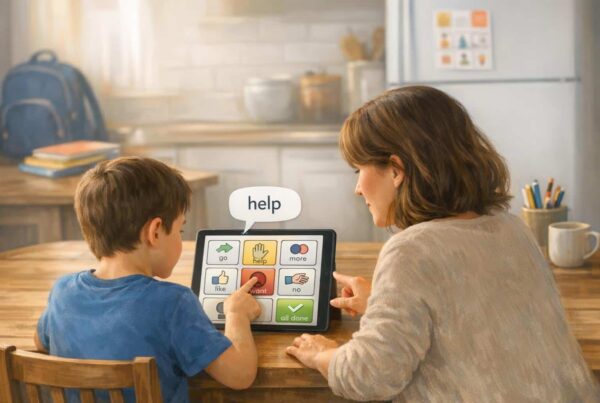
This is one of the biggest “quiet” reasons some systems stall. The child can request snacks, but cannot say, “Stop that.” “That is funny.” “I do not like this.” or “Help me.” Core words help across ages and settings because they are flexible.
3. Will the family and team actually model it consistently?
AAC modeling, also called aided language stimulation, is one of those evidence-aligned practices that sounds simple but can be difficult to sustain. The key is making it realistic. Model one or two words. Model during routines. Do not turn it into a test.
If the app is so complex that adults avoid touching it, it will not get modeled enough. And if it does not get modeled enough, the learner does not get enough input to use it independently.
4. Can it grow with literacy, writing, and school demands?
One reason robust apps matter is that AAC is not only about spoken conversation. It is also a bridge into reading and writing. Many AAC systems support composing messages, building stories, and participating in classroom writing with symbol support and text features.
In literacy routines, the “best” AAC tool is the one the child can access with minimal effort during instruction. That might include pre-programmed story vocabulary, sentence starters, and core words for predicting, commenting, and retelling.
If you want a deeper look at how AAC connects to literacy instruction, ASHA has a helpful starting point for professional considerations in service delivery at [https://www.asha.org].
A practical step-by-step process to pick an AAC app without spiraling.
If you are feeling stuck in comparison mode, use this process. It is the fastest way to get clarity and reduce expensive trial-and-error.
- Start with access. Confirm the best selection method first, like direct touch, switch scanning, or eye gaze.
- Pick a language framework you can commit to. Choose a system designed for growth and core language, not a page of nouns only.
- Plan for modeling. Decide who will model, when, and what words you will start with.
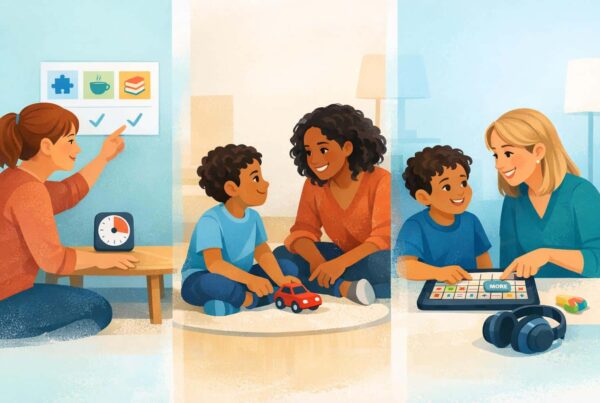
- Build in daily routines. Add “communication moments” to meals, play, school transitions, and bedtime routines.
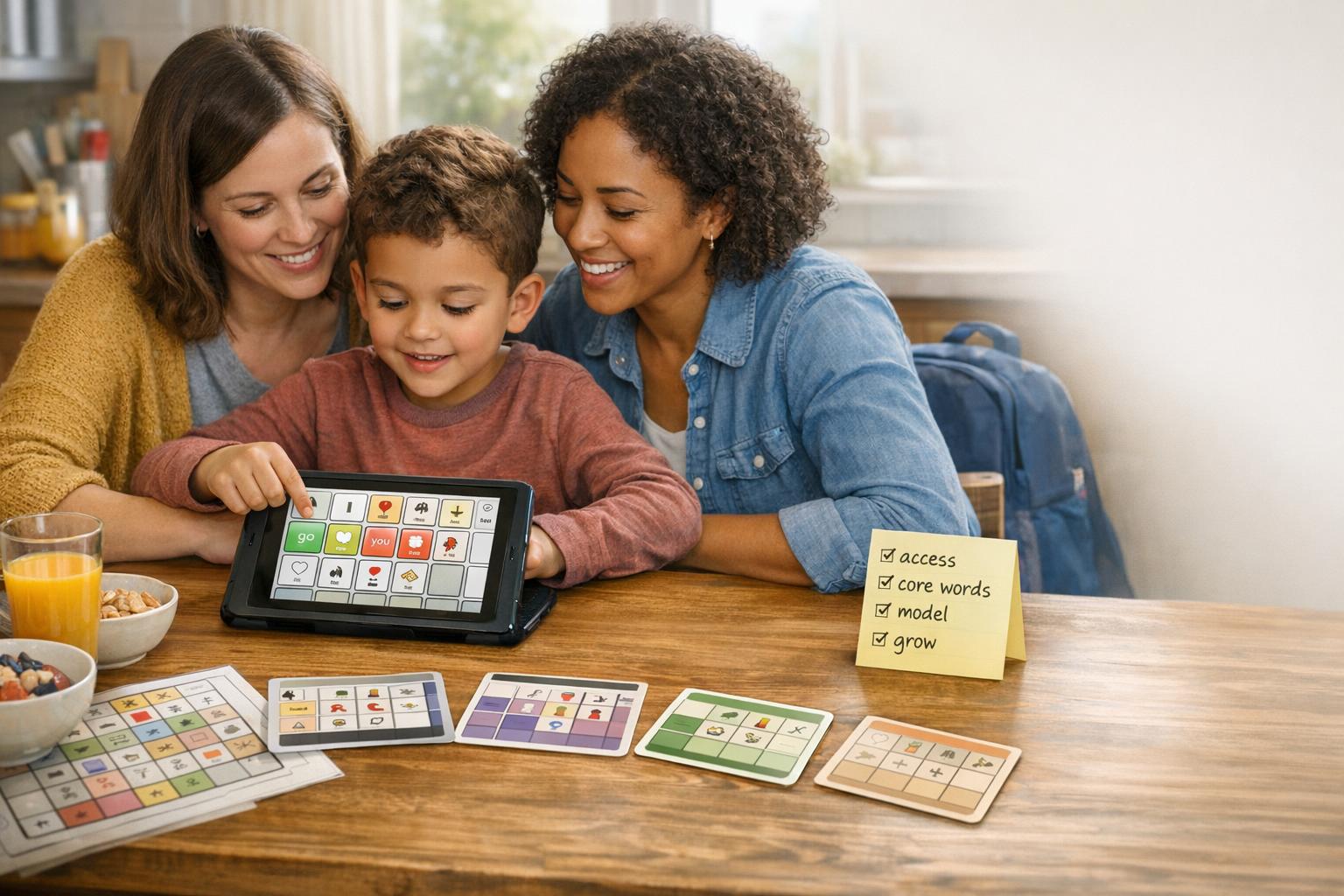
- Create a low-tech backup. Print core boards so the child always has a voice when tech fails.
- Review every few weeks. Update vocabulary, adjust grid size, and fix friction points early.
That routine-based approach is not just nice in theory. Consistency across environments is where AAC starts to feel like a real voice instead of a therapy tool.
Common mistakes that make families think an AAC app “is not working.”
Sometimes the app is not the problem. The environment, expectations, and set up can accidentally block progress. Here are the patterns I see most often.
Only using AAC for requesting.
Requesting is a great place to begin. But if that is all the child can do, they miss out on the real power of language, like protesting, joking, storytelling, asking questions, and social connection.
Expecting the child to use AAC without modeling.
This is the AAC version of sitting someone at a piano and saying, “Play.” Kids learn language through input. Modeling gives them that input in the format they need. Start small, keep it pressure-free, and model in real life.
Not personalizing vocabulary, so the device feels boring.
One of the fastest ways to boost engagement is to make the vocabulary relevant. Add favorite foods, family names, preferred shows, inside jokes, and real school routines. When vocabulary matches identity and sparks interest, kids communicate more.
No backup plan for when the tablet dies, updates, or breaks.
This is where low-tech supports shine. A printed core board in the kitchen, backpack, and car can prevent total communication drop-offs. A combination is often ideal.
What about privacy, data, and child safety in AAC apps?
If your AAC app is used by a child under 13, privacy is not a minor detail. It is part of what makes an AAC tool trustworthy. Many families do not realize that child-directed apps can fall under COPPA, which is designed to give parents control over personal information collected from children.
If you are evaluating an AAC app, it is reasonable to ask questions like these.
- Does the app collect any data, voice recordings, or identifiers?
- Is there clear parental consent, especially if the app is child-directed?
- Is there a transparent privacy policy that you can actually understand?
For families who want to read the actual child privacy law background, the FTC overview of COPPA is a solid starting point at https://www.dhs.gov/know2protect. For developers and anyone evaluating how apps should behave around children, Apple also outlines expectations for kids category apps at https://developer.apple.com/kids/.
If you are an SLP supporting families with app-based AAC, ethical practice includes understanding the broad landscape of confidentiality and service delivery expectations. ASHA’s ethics resources are worth bookmarking at https://www.asha.org/policy/code-of-ethics/?srsltid=AfmBOoqFu9wdlT5ESVc9WW8YqC-Aq0ADh6G-P2BJmJM14l_XbjYHPcgU.
How to tell if an AAC app is a good fit after you start.
This part matters, because the “best AAC app” often becomes clear after a few weeks of real-life use. Here are signs you are on the right track.
- The child initiates communication more often, even if it is only one word at first.
- The device comes out during natural routines, not just during therapy.
- You are seeing a wider range of functions, like commenting, refusing, and asking for help.
- Frustration decreases because the child can express “no,” “stop,” and “help.”
- The team is updating vocabulary and adjusting the system as the child grows.
If progress stalls, troubleshooting is usually more effective than switching apps immediately. Sometimes the fix is personalization, simpler home screens, better access supports, or stronger partner training.
My honest recommendations, based on real-world fit.
If you are looking for a direct answer, here is the most honest one. Most families do well when they choose a robust system from the “big four” list, then focus their energy on modeling, personalization, and daily routines.
If your child is a strong pattern learner and benefits from consistent motor patterns, LAMP Words for Life might be a great conversation with your AAC team. If your child needs highly flexible page sets and customization, TouchChat is often on the shortlist. If you want a well-known, widely supported symbol-based system with broad language potential, Proloquo2Go comes up often. If you want a system that supports core language and school routines with a structured approach, Snap Core First is frequently considered.
But I want to say this clearly. App choice is only one piece. The daily environment, consistent access, and communication partner skills are what turn an AAC app into a voice.
Frequently asked questions about choosing the best AAC app.
What AAC app is best for autism?
There is no single best AAC app for autism, because autism profiles vary widely. Many families and SLPs consider Proloquo2Go, TouchChat, LAMP Words for Life, and Snap Core First as strong starting points, then choose based on access, language organization, and the team’s ability to model consistently.
Is there a “best” AAC app for beginners?
For beginners, the best AAC app is usually one that makes it easy to start with a small set of high-impact words and expand over time. Starting with simple modeling, one to two words, and embedding AAC into routines tends to matter more than the specific brand name.
Should we start with low-tech AAC before an app?
Low-tech can be an excellent starting point or companion tool, especially as a backup and for environments where tablets are not practical. Many AAC teams recommend using both, because communication should not disappear when technology fails.
How do I know if my child needs a different AAC app?
Before switching apps, look for fixable barriers, like access issues, too much navigation, lack of personalization, or not enough modeling. If the child cannot reliably access the app or it cannot grow with language needs, that is when it may be time to trial another system with your SLP or assistive technology specialist.
Can AAC apps support reading and writing at school?
Yes. AAC can support literacy by helping students participate in reading routines, answer comprehension questions, retell stories, and create written output using their system. Many AAC platforms also support composing messages and stories, which can be part of writing instruction.
Conclusion: The best AAC app is the one that becomes a voice all day.
If you came here hoping I would crown one app as the best, I get it. This decision can feel high stakes, because it is. But the strongest AAC outcomes usually come from a good-fit system, consistent modeling, personalized vocabulary, and routines that make AAC part of real life.